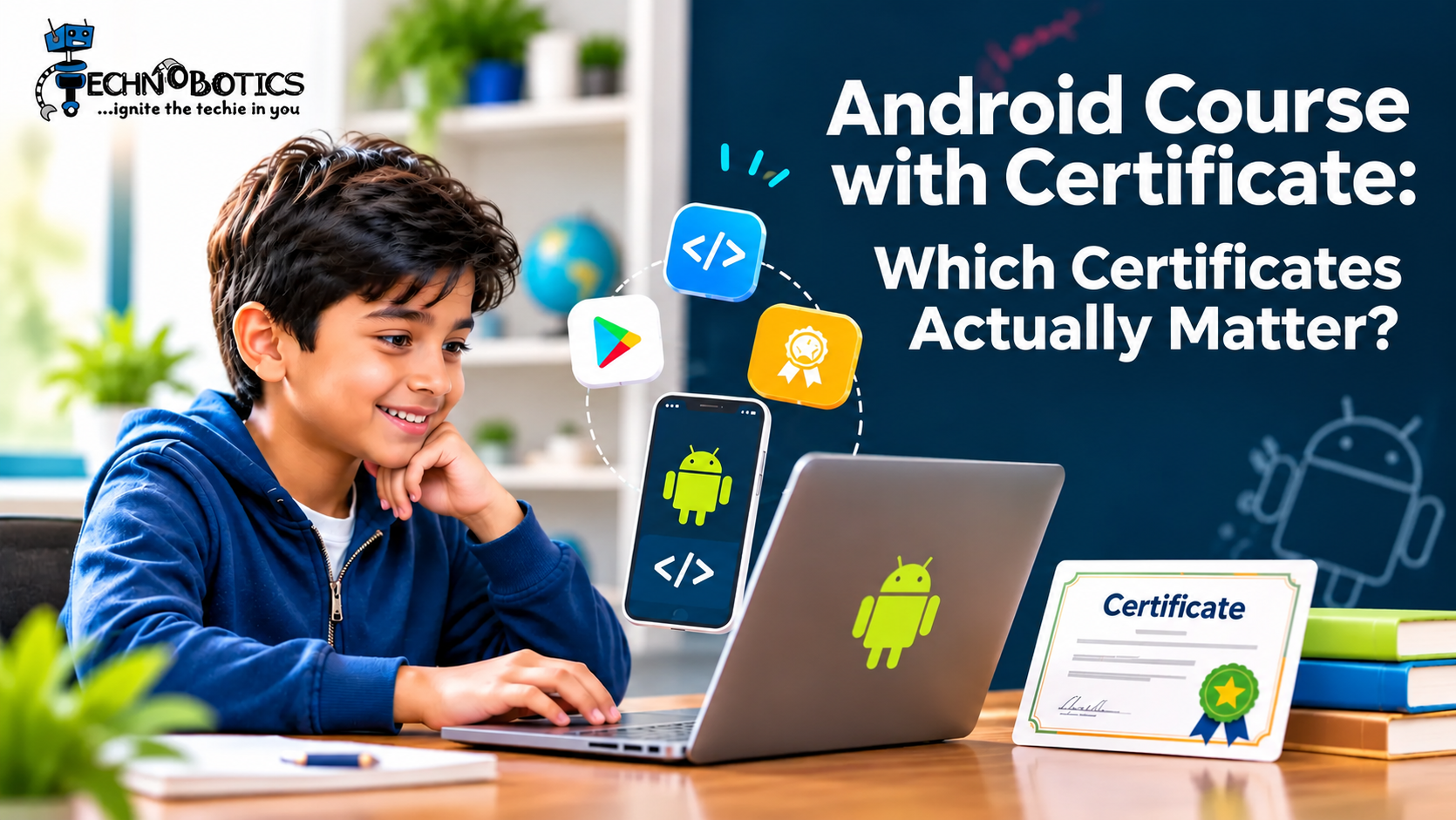
Search for an Android app development course with certificate, and you will find hundreds of options, each promising a certificate that will boost your career. For parents of school students and for beginners in India, this raises a real question: which of these certificates will colleges, competitions and future employers actually value, and which are just a decorative PDF?
The honest answer is that a certificate is only as strong as the skills and projects behind it. In this guide, we break down which Android certificates carry real weight today, which ones have lost their value, and what a good course should give your child beyond a piece of paper.
Do Certificates Matter in Android App Development?
Android development is a skill-first field. Recruiters and app clients rarely ask for a certificate first; they ask to see what you have built. A published app, a project on GitHub, or a working demo on a phone often speaks louder than any certificate.
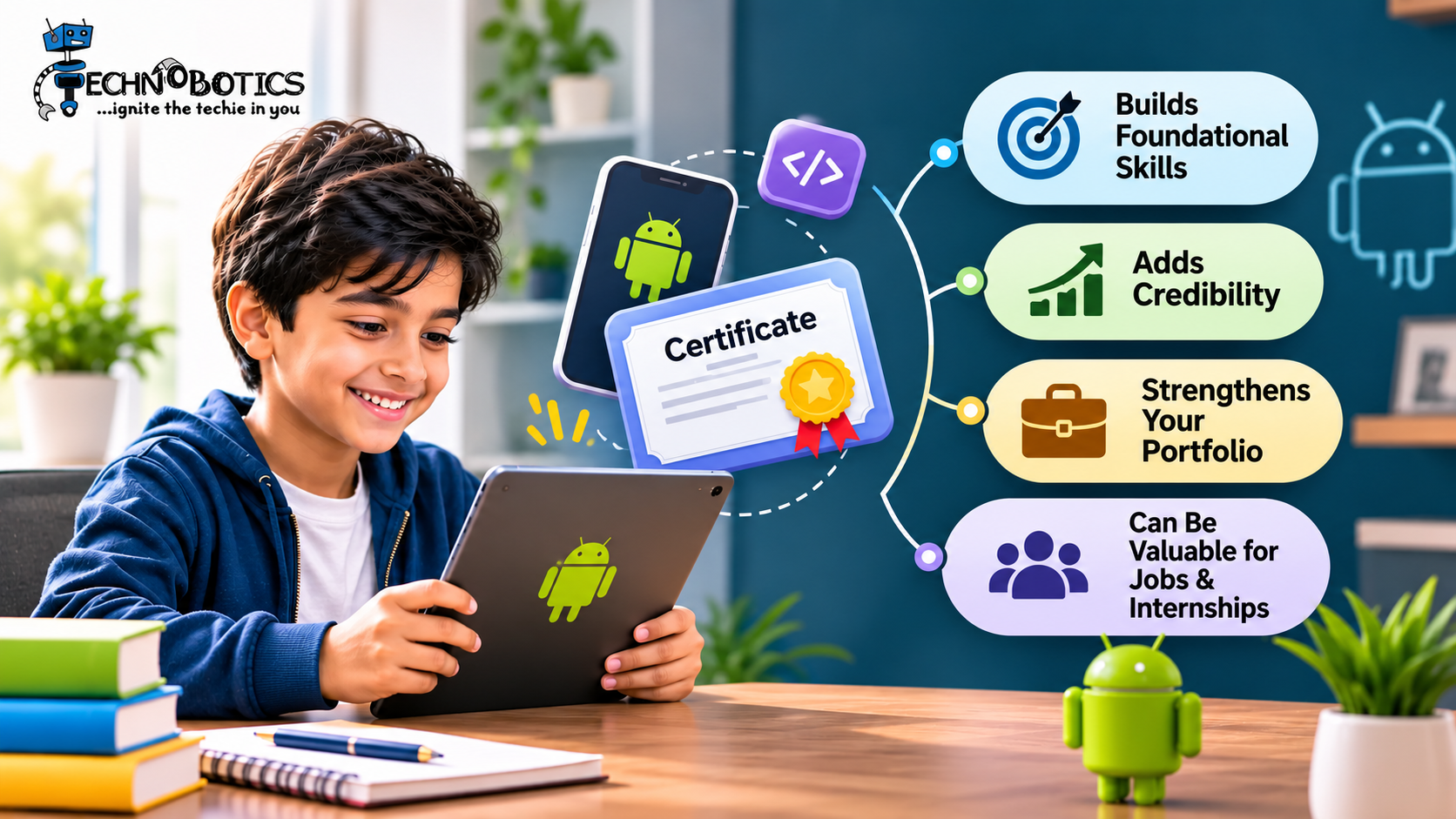
That does not make certificates useless. A good certificate does three things:
- It proves structured learning. It shows that the learner completed a full curriculum instead of picking up random tutorials.
- It adds credibility. For school students, it strengthens profiles for summer programs, competitions, and college applications.
- It builds motivation. For children especially, finishing a course and earning recognition encourages them to keep learning.
The key is to choose a certificate that is backed by real, hands-on work.
Android Certificates That Actually Matter
Meta Android Developer Professional Certificate (Coursera). This is one of the most recognised online credentials for Android today. It is a 12-course series for beginners with no prior experience, covering Kotlin, Android Studio, UI/UX design, version control, and React Native, and ending with portfolio projects. It suits older teens and college students who are aiming for a career in app development.
Google Android Basics with Compose (Badges): Google’s own free, self-paced course teaches modern Android development with Kotlin and Jetpack Compose. Instead of a formal certificate, learners earn badges on their Google Developer Profile. Because it comes straight from Google, it is one of the most reliable ways to learn current best practices.
Certificates from Hands-On Training Institutes: For school students, a certificate from a reputed local institute can be valuable when it is backed by project work. What matters is the institute’s track record and whether the student leaves with apps they built on their own. If you are in Mumbai, our list of programming classes in Mumbai for kids can help you compare options.
Hackathon and Competition Certificates: Certificates from coding competitions and hackathons, such as the Smart India Hackathon for college students, show that a learner can build under pressure and work in a team. They often carry more weight than course certificates because they prove applied skill.
A Certificate That No Longer Exists: Google Associate Android Developer
Many older articles and some training institutes still mention the Google Associate Android Developer (AAD) certification. Google has retired this exam and no longer accepts new registrations. Existing holders keep their credential until it expires, but no new learner can earn it today. If a course promises to prepare your child for this certificate, treat it as a sign that the course material may be outdated.
Comparing Your Options
| Certificate | Provider | Cost | Best For |
|---|---|---|---|
| Meta Android Developer Professional Certificate | Meta, via Coursera | Paid subscription | Older teens and college students |
| Android Basics with Compose badges | Free | Self-motivated teens | |
| Institute certificate | Local training centres | Varies | School students who need guided, hands-on learning |
| Hackathon certificate | Competition organisers | Usually free | Learners who have already built a few apps |
| Google Associate Android Developer | Not applicable | Retired, no longer available |
What a Complete Android App Development Course Should Teach
A certificate means little if the course behind it is shallow. A complete Android app development course should cover:
- Interface design: layouts, buttons, text boxes, lists, and navigation between screens.
- Logic and programming: variables, conditions, loops, and events, whether in blocks or in code.
- Phone features: the camera, sensors, flashlight, sounds, calls, and messages.
- Data handling: saving user data and working with online data.
- Testing and debugging: finding and fixing errors on a real device.
- A final project: at least one complete app that the learner designed and built.
When comparing Android app development training options, ask for the syllabus, the number of hands-on sessions, and examples of apps that past students have built. If your child is completely new to coding, our guide to programming courses for beginners is a useful place to start.
Android App Development Course for Beginners: Where Kids Should Start
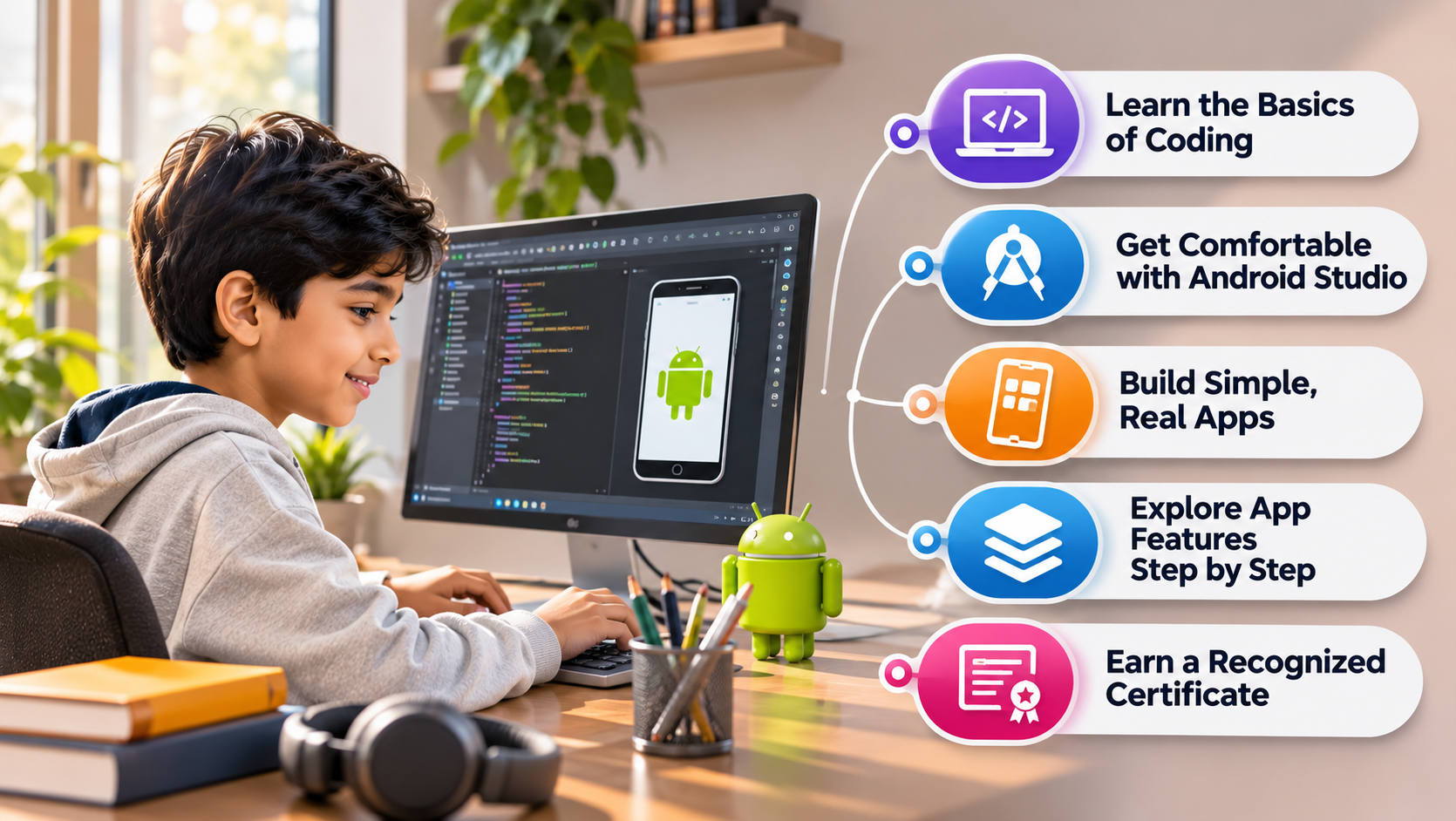
For school students, jumping straight into Android Studio and Kotlin can feel overwhelming. A better path is to begin with visual, block-based tools such as MIT App Inventor, where kids drag and drop blocks to build real apps that run on their own phones. Once they understand how apps work, moving to typed code becomes much easier. Our article on block-based and text-based programming explains this transition in detail.
The Android App Development course at Technobotics follows this approach. Designed for students aged 10 and above, it runs across 15 sessions of 1.5 hours each and uses MIT App Inventor to teach layouts, user interface elements, media, simple games, a chat app, and phone features like the flashlight, calls, and messages, all without typing a single line of code.
As students grow, they can move on to Kotlin through Google’s Android Basics with Compose or the Meta certificate. Parents planning that next step can read about the advantages of text-based coding.
How to Make Any Certificate Count
- Build a portfolio. Keep a record of every app built, with screenshots and a short description of what it does.
- Publish at least one app. Older students can publish an app on the Google Play Store with a parent’s help.
- Share the code. Teens can upload their projects to GitHub to show steady progress.
- Enter competitions. School science fairs and app challenges give real-world feedback and recognition.
- Keep learning. Android changes every year, so one certificate is a starting point, not a finish line.
Skills like these matter well beyond app development. To see how early tech learning shapes future opportunities, read how STEM prepares kids for tech careers.
FAQs
1. Which Android app development course with certificate is best for beginners?
It depends on age. School students aged 10 and above do best with a hands-on, block-based course at a training institute. Older teens and college students can take Google’s free Android Basics with Compose course or the Meta Android Developer Professional Certificate on Coursera.
2. Is the Google Associate Android Developer certification still available?
No. Google has retired the Associate Android Developer exam and no longer accepts new registrations. Be cautious of any course that still claims to prepare students for it.
3. Can kids learn Android app development without coding?
Yes. Tools like MIT App Inventor let kids build working Android apps by arranging visual blocks instead of typing code. This builds logic and confidence before they move to languages like Kotlin.
4. Is a certificate enough to get an Android developer job?
No. A certificate helps, but employers mainly look at the apps you have built, your code on GitHub and your problem-solving skills. A strong portfolio combined with a respected certificate works best.
5. How long does Android app development training take?
A beginner course for kids can be completed in a few weeks, such as 15 sessions of 1.5 hours each. Career-focused programmes like the Meta certificate take several months of regular study.
6. What should I check before choosing a complete Android app development course?
Check the syllabus, the tools used, the number of hands-on sessions, the trainers’ experience and samples of apps built by past students. Also confirm what the certificate states and whether a final project is required to earn it.
Final Word
Certificates can open doors, but skills keep them open. The Android certificates that matter today are the ones backed by real projects, current tools and a reputed provider, whether that is Meta, Google or a trusted local institute. Retired credentials and certificates without hands-on work add little value.
For school students, the best first step is an Android app development course for beginners that makes learning fun and practical. With over 15 years of experience and more than 10,000 students trained, Technobotics helps young learners in Mumbai build real apps, robots and electronics projects. Explore all Technobotics courses to find the right starting point for your child.
Encourage your child to build one simple app this month. That first working app will teach them more than any certificate ever could.