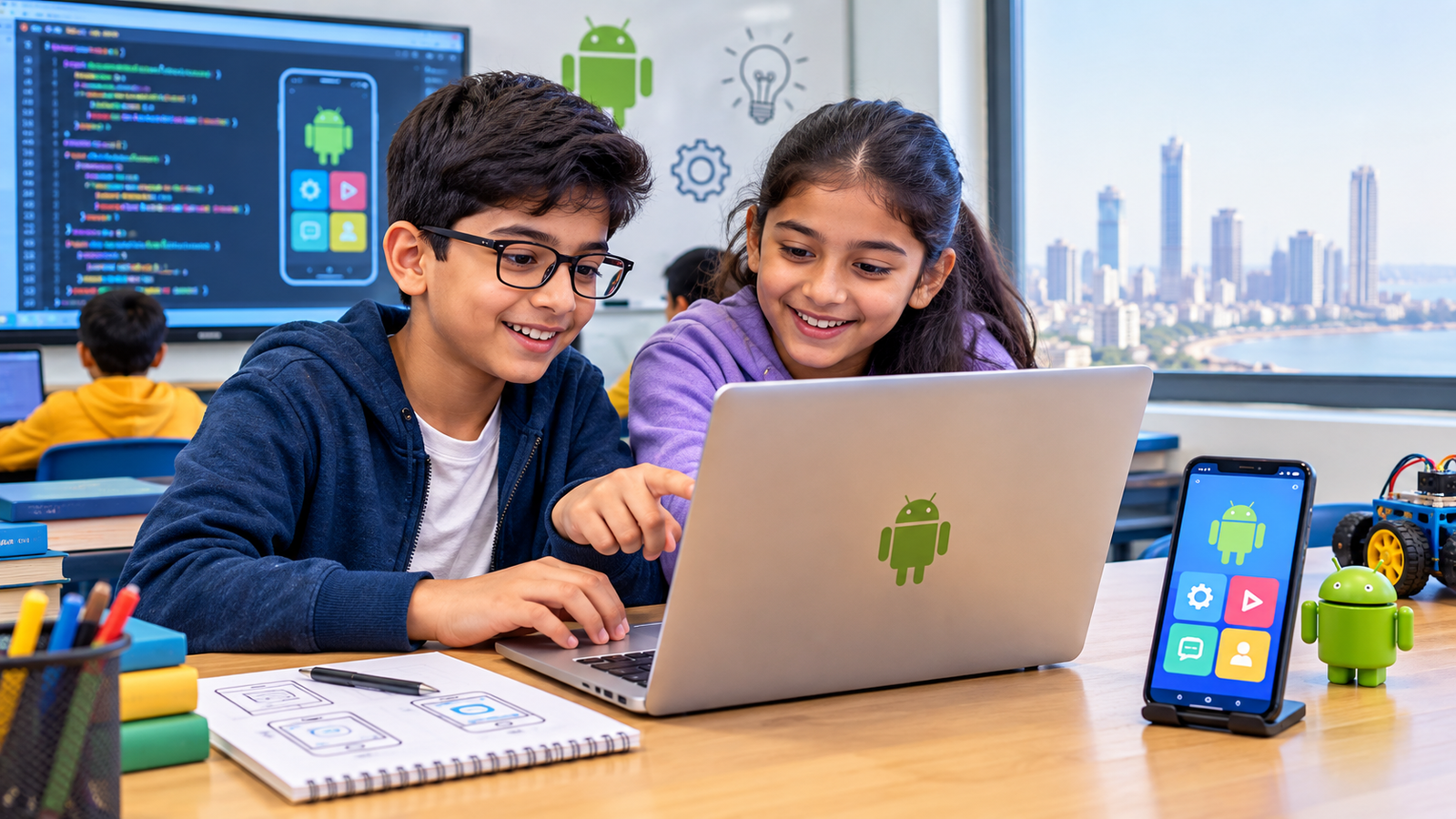
Every child today uses apps. Games, learning tools, video platforms and messaging apps are part of daily life. The next step for a curious child is to stop only using apps and start building them. That is why more Mumbai parents are searching for Android app development classes near me.
This guide explains what kids learn in Android app development classes, how a good class is structured, which age groups can join, and what to look for when choosing a class in Mumbai.
What Are Android App Development Classes for Kids?
Android app development classes teach children how to design, build and test apps that run on Android phones and tablets. For kids, these classes are not about memorising code. They are about turning an idea into something that works on a real phone.
Our Android App Development course in Mumbai is built around this idea. Students move from simple visual building to real programming logic, one small project at a time. Every concept is tied to something the child can see, tap and show to others.
What Do Kids Learn in Android App Development Classes?
A well-planned class covers these areas:
- App design basics: screens, buttons, menus and how users move through an app
- Logic building: if-then decisions, loops and how an app reacts to a tap
- Simple programming: moving from visual blocks to real code step by step
- Working with data: saving scores, lists and user inputs
- Testing and fixing: finding mistakes and improving the app
- Project building: finishing small apps such as quizzes, calculators and games
Each topic builds on the last, so children never feel lost. A student who understands buttons and screens is ready for logic. A student who understands logic is ready for code.
How Are Android App Development Classes Structured?
Good classes follow a clear progression:
- Introduction: what an app is and how it works
- Visual building: creating screens and simple actions without heavy code
- Logic and coding: learning how apps make decisions
- Mini projects: building small apps after every concept
- Final project: a complete app the child can show family and friends
This structure matches how we teach across all our programs, including our beginner programming courses. Short projects after every concept keep motivation high, because children see progress every week instead of waiting months for a result.
A Sample Learning Roadmap by Stage
To help parents picture the journey, here is how learning usually unfolds.
Stage 1: Getting started. Children learn what an app is, explore the tools and build a very simple screen with a button. The goal is comfort, not complexity.
Stage 2: Building basic apps. Students create apps that respond to taps, such as a counter or a greeting app. They learn how one action leads to another.
Stage 3: Adding logic. Quizzes, calculators and small games introduce decisions, conditions and scores. This is where thinking skills grow fastest.
Stage 4: Moving toward code. Learners start reading and writing typed code alongside visual blocks, and gradually rely on code more.
Stage 5: Final project. Students plan, build, test and present an original app. This stage builds confidence and communication skills together.
Which Age Group Can Join?
Children from the upper primary years onward can start, especially if they already enjoy games, puzzles or technology. Younger learners begin with visual tools. Older students move faster into text-based coding. Prior coding experience is not required.
Students who want to understand the difference between visual and typed coding can read our guide on block-based vs text-based programming.
Why Mobile App Development Is Worth Learning in Mumbai
Mumbai is one of India’s busiest technology and business hubs. Mobile apps power banking, travel, food, shopping and education here. A child who understands how apps are built gains:
- Stronger problem-solving and logical thinking
- Creativity through designing something original
- Confidence from building real, working projects
- Better focus, because building needs patience and planning
- An early advantage if they pursue computer science later
Mobile app development also changes how a child sees technology. Instead of only consuming apps, they begin to ask how things work and how they could be improved.
Skills Kids Gain Beyond Coding
App development classes teach more than programming. Children also practise:
- Planning: breaking a big idea into small steps
- Design thinking: considering how a real user would use the app
- Debugging: staying calm and fixing errors one at a time
- Presenting: explaining their app to others clearly
These skills help in school subjects, projects and future careers, whatever the child chooses to study.
What to Look for When Choosing Android App Development Classes Near Me
Not all classes are equal. Check for:
- Beginner-friendly start: visual tools before heavy code
- Hands-on projects: students build in every session
- Small batches: personal attention matters for young learners
- Experienced trainers: teachers who can explain simply
- Clear progression: a roadmap from beginner to advanced
- Convenient location: a centre that is easy to reach in Mumbai
Ask to see sample student projects. They show you what children actually achieve in the class.
How Parents Can Support Learning at Home
Parents do not need technical knowledge. Simple support goes a long way:
- Ask your child to demonstrate the app they built that week
- Encourage small daily practice instead of long, rare sessions
- Celebrate finished projects, even simple ones
- Let them solve errors before offering help
How Android App Development Connects to Robotics and Electronics
Apps do not live only on screens. Many modern projects connect phone apps to hardware such as sensors and robots. Students who explore our wider robotics and STEM courses can later combine app skills with real devices, which makes learning more exciting and practical.
Final Word
Android app development classes give children a creative, practical skill that stays useful for years. The right class starts simple, builds with projects and keeps learning fun.
If you are comparing options for your child in Mumbai, our team at Technobotics will help you pick the right starting level. Reach out through our contact page to get started.
FAQs
1. What are Android app development classes?
They are structured classes that teach students how to design, build and test apps for Android phones and tablets, usually starting with visual tools and moving into real coding.
2. What do kids learn in Android app development classes?
Kids learn app design, logic building, basic programming, data handling, testing and project building. Most classes end with a complete app made by the student.
3. At what age can a child start Android app development classes?
Children from the upper primary years can start. No prior coding experience is needed in a beginner-friendly course.
4. Are Android app development classes near me available in Mumbai?
Yes. Technobotics offers an Android App Development course in Mumbai designed for beginners, with hands-on projects at every stage.
5. How long does it take to build a first app?
Most students build a simple working app within the first few weeks. More complex apps take a few months of regular practice.
6. Is mobile app development in Mumbai a good skill for kids?
Yes. It builds logical thinking, creativity and confidence, and it prepares children for future studies and careers in technology.