
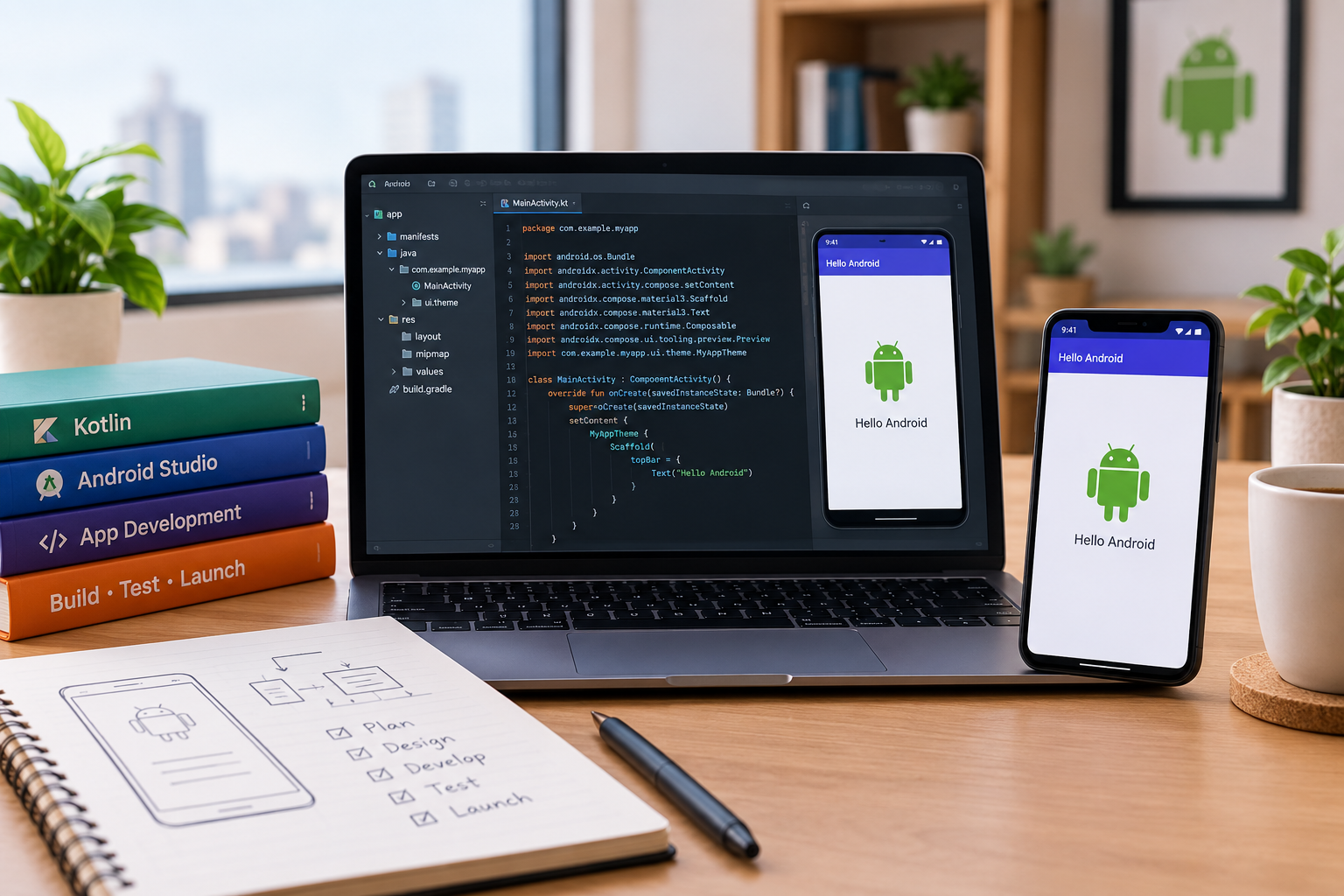
If you have ever opened an app on your phone and wondered how it was built, you already have the right curiosity to start learning Android app development. The good news is that building your first working app does not require years of computer science education. It requires the right course, the right skill sequence, and consistent practice.
This guide walks beginners through everything an Android app development course actually covers, how long it realistically takes, and what to expect at every stage of learning.
What Is Android App Development?
Android app development is the process of designing, building, and testing applications that run on Android phones and tablets. It combines a few different skills working together: visual design (how the app looks), logic and programming (how the app behaves), and testing (making sure it actually works before anyone uses it).
A complete Android app development course introduces all three of these areas step by step, rather than throwing beginners into complex code on day one. At Technobotics, our Android App Development course is structured exactly this way, starting with visual, block-based tools before introducing text-based programming.
How to Learn Android App Development: The Right Sequence
Beginners often make the mistake of jumping straight into complex programming languages and getting overwhelmed within the first week. A better approach follows this order:
- Understand app structure — screens, buttons, navigation, and how users interact with them
- Learn logic without heavy syntax — using visual, drag-and-drop style tools to understand how apps make decisions
- Build a first simple app — something small like a calculator or a to-do list
- Introduce actual code gradually — moving from visual blocks toward real programming as confidence builds
- Test and refine — learning to find and fix errors, which is a skill in itself
This mirrors how we structure learning across our courses generally, similar to the approach used in our programming courses for beginners, where logic comes before syntax.
How Long Does an App Development Course Take?
This depends entirely on the depth of the course and how much time a student can commit each week. As a general guide:
- Basic app development literacy (understanding how apps work, building very simple projects) can be reached in a few weeks of consistent classes.
- Building an app with multiple screens and working logic typically takes a few months.
- Confidence to build and publish original app ideas usually takes six months to a year of regular practice.
Students who attend consistently and practice between sessions progress noticeably faster than those who only engage during class time. App development, like any practical skill, rewards repetition.
What Does a Complete Android App Development Course Actually Teach?
A well-structured course for beginners typically covers:
- App interface design — arranging buttons, text, and images in a way users find intuitive
- Basic logic building — if-then decisions, loops, and how an app responds to user actions
- Data handling — how apps store and retrieve information, such as a to-do list remembering tasks
- Simple app deployment — understanding what it takes to move from a working project to something installable
Courses aimed at younger students or complete beginners, including our own program, often begin without any traditional coding at all. This matters because the biggest reason beginners quit early is frustration with syntax errors before they’ve had a chance to enjoy the creative side of building something. Removing that barrier at the start keeps learners engaged long enough to build real skill.
Is Android App Development Hard to Learn?
It is not inherently hard, but it is easy to make it feel hard by starting in the wrong place. Most of the difficulty beginners experience comes from:
- Starting directly with text-based coding instead of visual logic tools
- Trying to learn from scattered online tutorials without a structured path
- Not having a mentor to explain why something isn’t working
A structured, in-person course solves all three of these problems by design. This is one reason why block-based coding approaches, discussed in detail in our post on block-based vs text-based programming, tend to produce faster beginner progress than jumping straight into raw code.
What Should Beginners Build First?
Starting with something small and achievable matters more than starting with something impressive. Good first projects include:
- A simple calculator app
- A basic to-do list or reminder app
- A quiz app with multiple choice questions
- A simple counter or scorekeeping app
None of these requires advanced skills, but each one teaches a genuinely useful concept: handling user input, storing data temporarily, and responding to button clicks. Students who complete a few of these small projects build the confidence and foundational understanding needed to tackle more ambitious app ideas later.
Where Can Beginners Learn Android App Development in Mumbai?
Mumbai has a growing number of institutes offering coding and app development courses, but the quality and structure vary significantly. What matters most for a beginner, especially a younger student, is finding a course that:
- Starts with visual or block-based logic before introducing code
- Offers hands-on building rather than just watching demonstrations
- Provides small project milestones so progress feels real
- Has instructors experienced in teaching complete beginners, not just experienced programmers
At Technobotics, our Android App Development course in Mumbai follows exactly this structure, and it sits alongside our broader robotics and STEM courses, allowing students to eventually combine app development with hardware and robotics skills if they choose to.
Final Word
Learning Android app development does not require a computer science background or years of preparation. What it requires is starting in the right order: understanding how apps work before writing code, building small projects before ambitious ones, and staying consistent enough for repetition to do its job.
Whether your goal is a hobby, a school project, or a long-term interest in technology, the path is the same. Start simple, build often, and let complexity come naturally as skills grow.
If you’re exploring where to begin this journey in Mumbai, our team at Technobotics is happy to walk you through the right starting point for your child or yourself. You can reach out through our contact page to learn more.
FAQs
1. What is Android app development?
Android app development is the process of designing, building, and testing applications that run on Android phones and tablets, combining visual design, programming logic, and testing.
2. How long does it take to learn Android app development?
Basic literacy can be reached in a few weeks, building a functional multi-screen app typically takes a few months, and confidently building original app ideas usually takes six months to a year of consistent practice.
3. Is Android app development hard for beginners?
It is not inherently difficult, but starting directly with complex code instead of visual logic tools is the most common reason beginners find it frustrating. A structured, staged course removes most of this difficulty.
4. Do I need to know coding before starting an Android app development course?
No. Most beginner-friendly courses, including ours, start with visual, block-based tools before introducing text-based coding, so you don’t need prior coding knowledge.
5. What should a beginner build as their first Android app?
Simple projects like a calculator, a to-do list, or a basic quiz app are ideal first projects. They teach core concepts like user input and data handling without requiring advanced skills.
6. Where can I learn Android app development in Mumbai?
Technobotics offers a structured Android App Development course in Mumbai designed for beginners, starting with visual logic before moving into real coding, alongside our broader robotics and STEM programs.